Bouw & verbouw
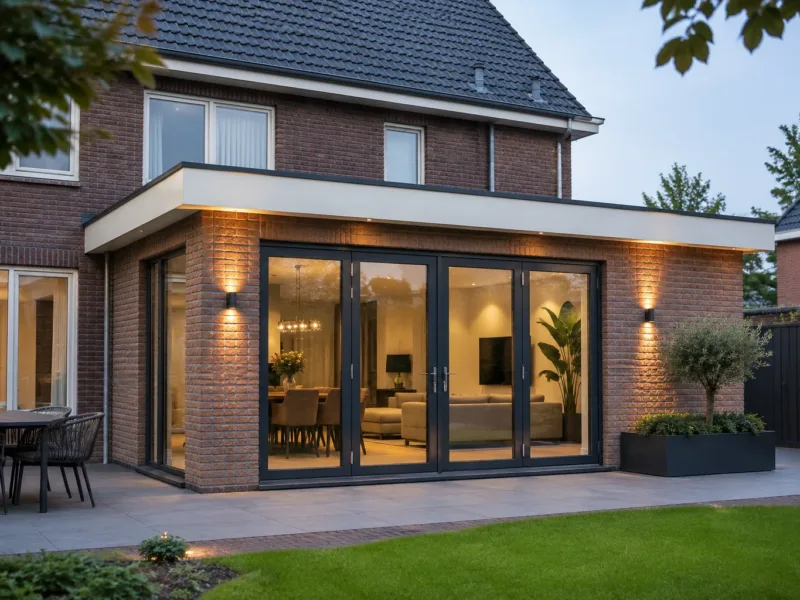
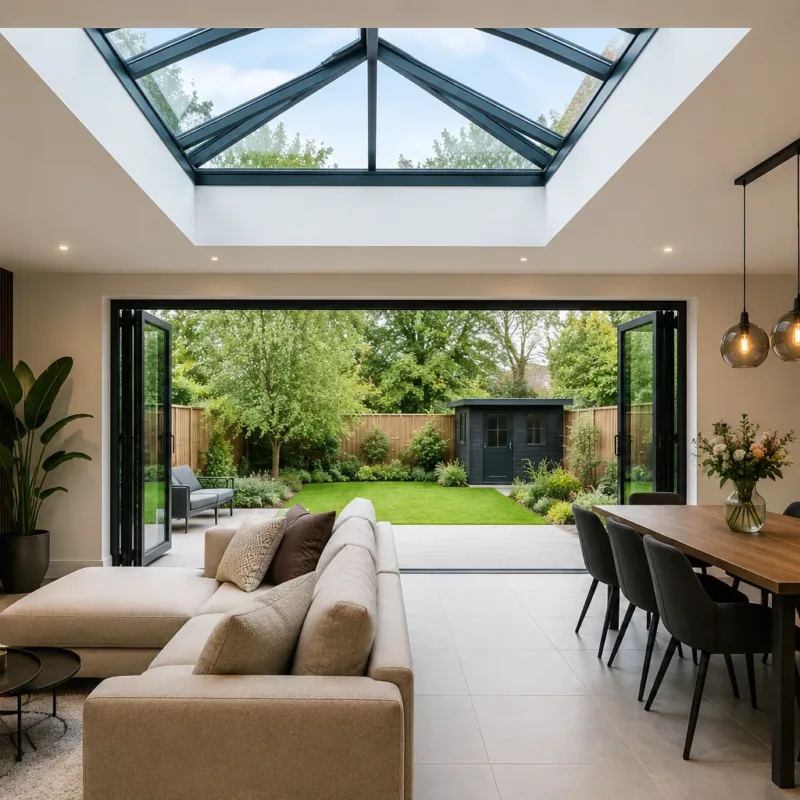
Meer ruimte en licht in uw woning, van uitbouw tot complete renovatie.
- Uitbouw
- Serre
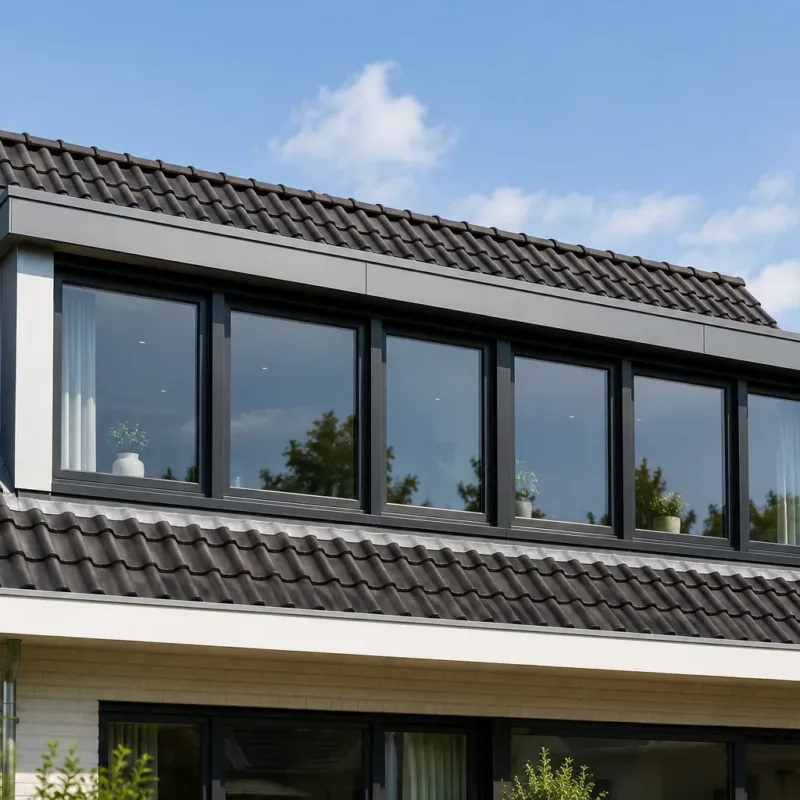
- Dakkapellen
- Complete woningrenovatie
- Zolders en vlieringen
MLS Installatie & Bouwtechniek · St. Willebrord
Eén aanspreekpunt voor uw complete verbouwing. Bent u op zoek naar een betrouwbare vakman voor uw woning? Wij helpen u van begin tot eind met uw verbouwing, renovatie of installatiewerk.
Over ons
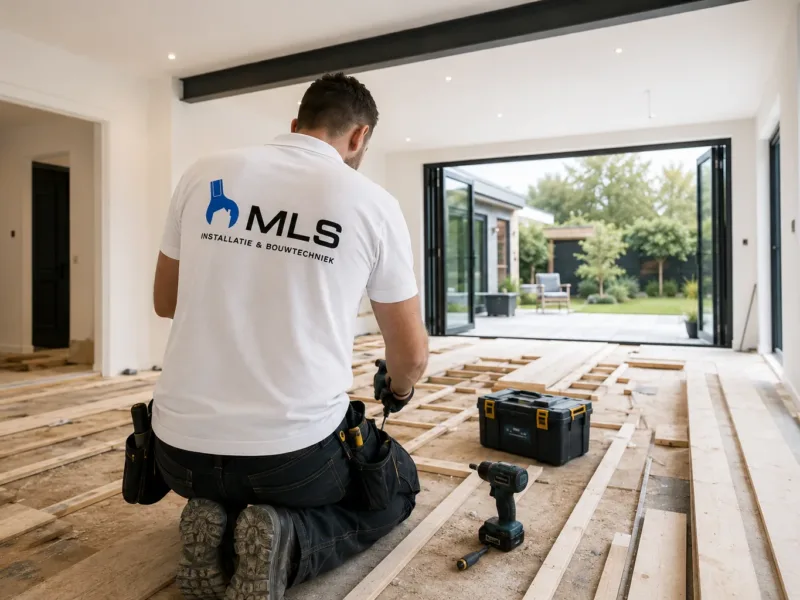
Bij MLS Installatie & Bouwtechniek staat kwaliteit centraal. U heeft altijd één vast aanspreekpunt dat uw project van begin tot eind begeleidt.
Wij denken met u mee, werken netjes en komen afspraken na. Hierdoor weet u precies waar u aan toe bent en kunt u rekenen op een soepel en professioneel verloop van uw project.
Onze werkzaamheden richten zich voornamelijk op particuliere woningrenovaties. Daarnaast zijn wij ook inzetbaar voor nieuwbouwprojecten en samenwerkingen met andere bedrijven.
Wat wij doen
Van uitbouw en dakkapel tot keuken, badkamer en installatiewerk: wij verzorgen het complete traject voor uw woning.
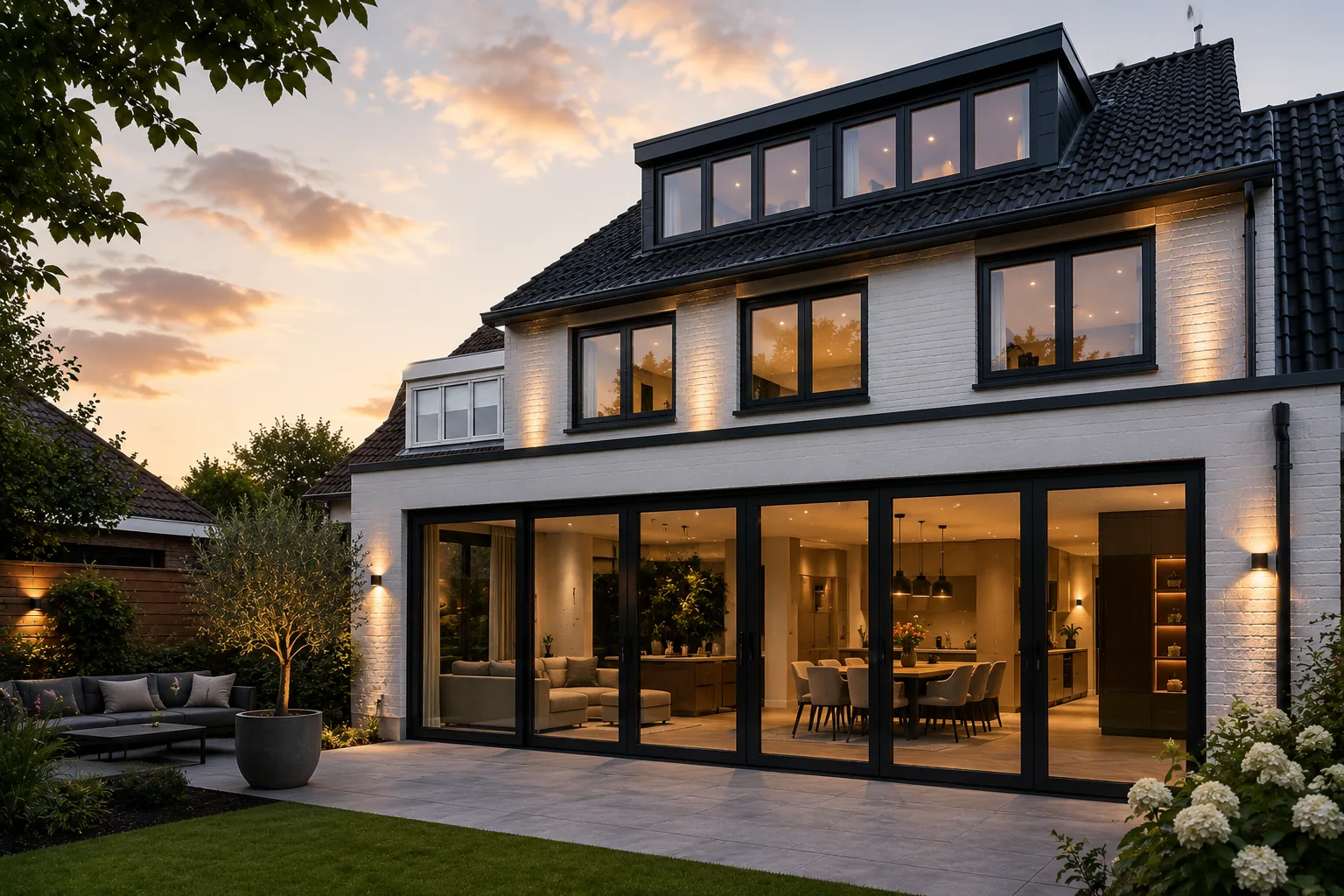
Meer ruimte en licht in uw woning, van uitbouw tot complete renovatie.
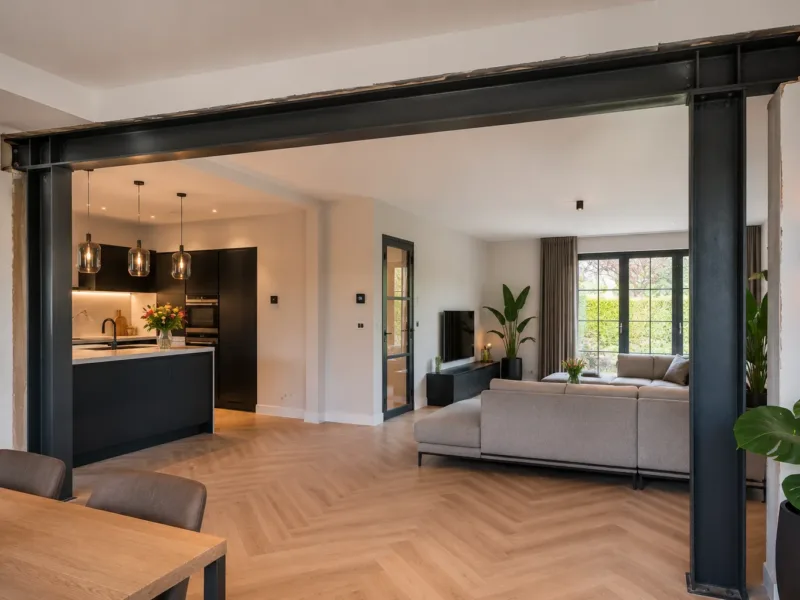
Constructieve aanpassingen inclusief berekeningen en vergunningen.
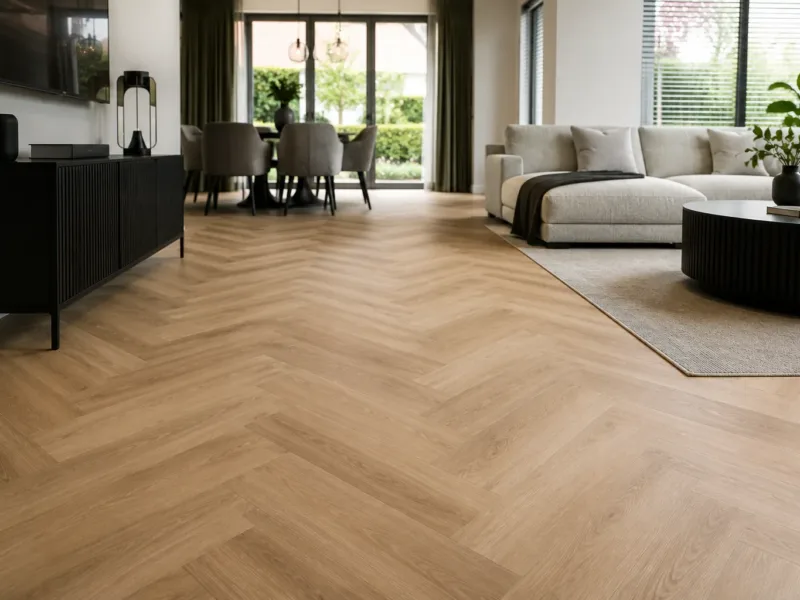
De afwerking die het verschil maakt, tot in detail verzorgd.
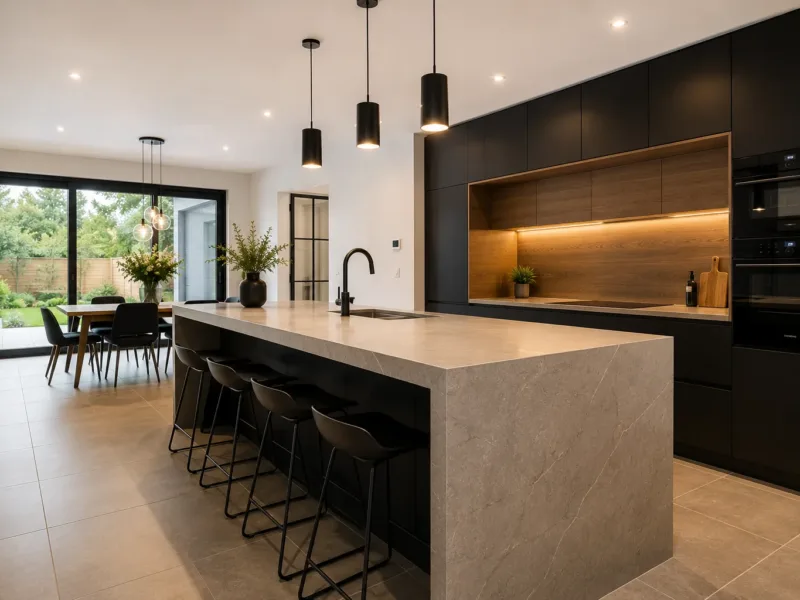
Compleet verzorgd, van sloopwerk tot de laatste kraan.
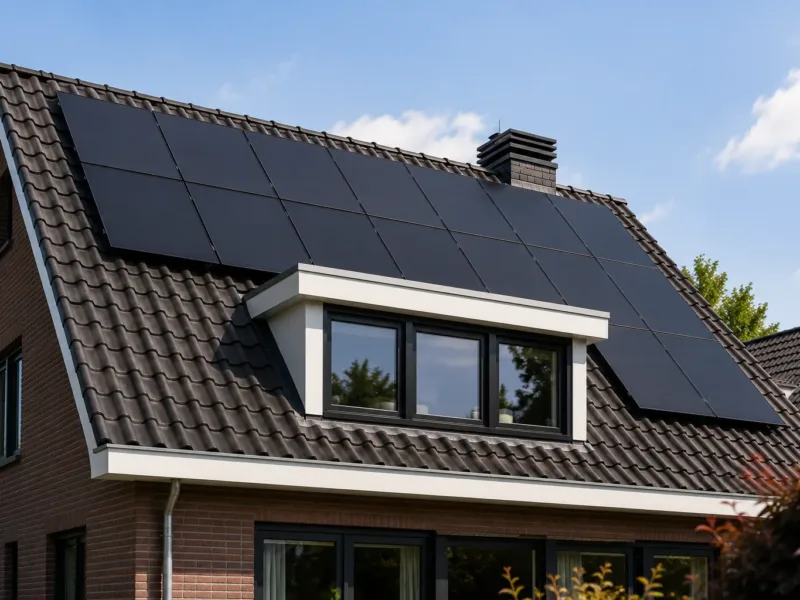
Warmte, koeling en energie, vakkundig aangelegd en aangesloten.
Waarom MLS
Stap voor stap
Van de eerste kennismaking tot de oplevering weet u precies wat er gebeurt en wanneer.
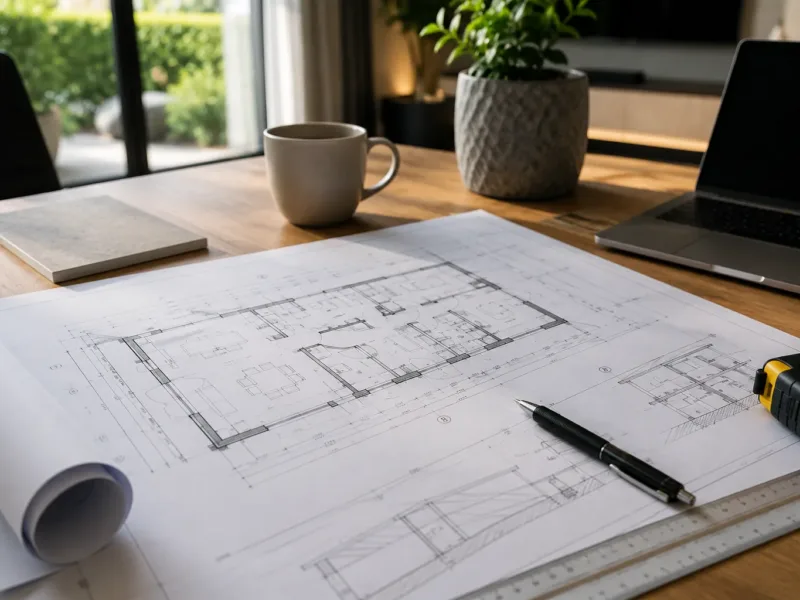
Wij bespreken uw wensen en bekijken de situatie op locatie.
U ontvangt een heldere en overzichtelijke offerte zonder verrassingen achteraf.
Wij stemmen de werkzaamheden zorgvuldig met u af en zorgen voor een goede voorbereiding.
Het werk wordt professioneel, netjes en volgens planning uitgevoerd.
Wij leveren het project pas op wanneer alles naar wens is en volledig is afgerond.
Constructief werk
Of u nu uw woning wilt uitbreiden, moderniseren of volledig renoveren – wij zorgen dat alles technisch en praktisch klopt.
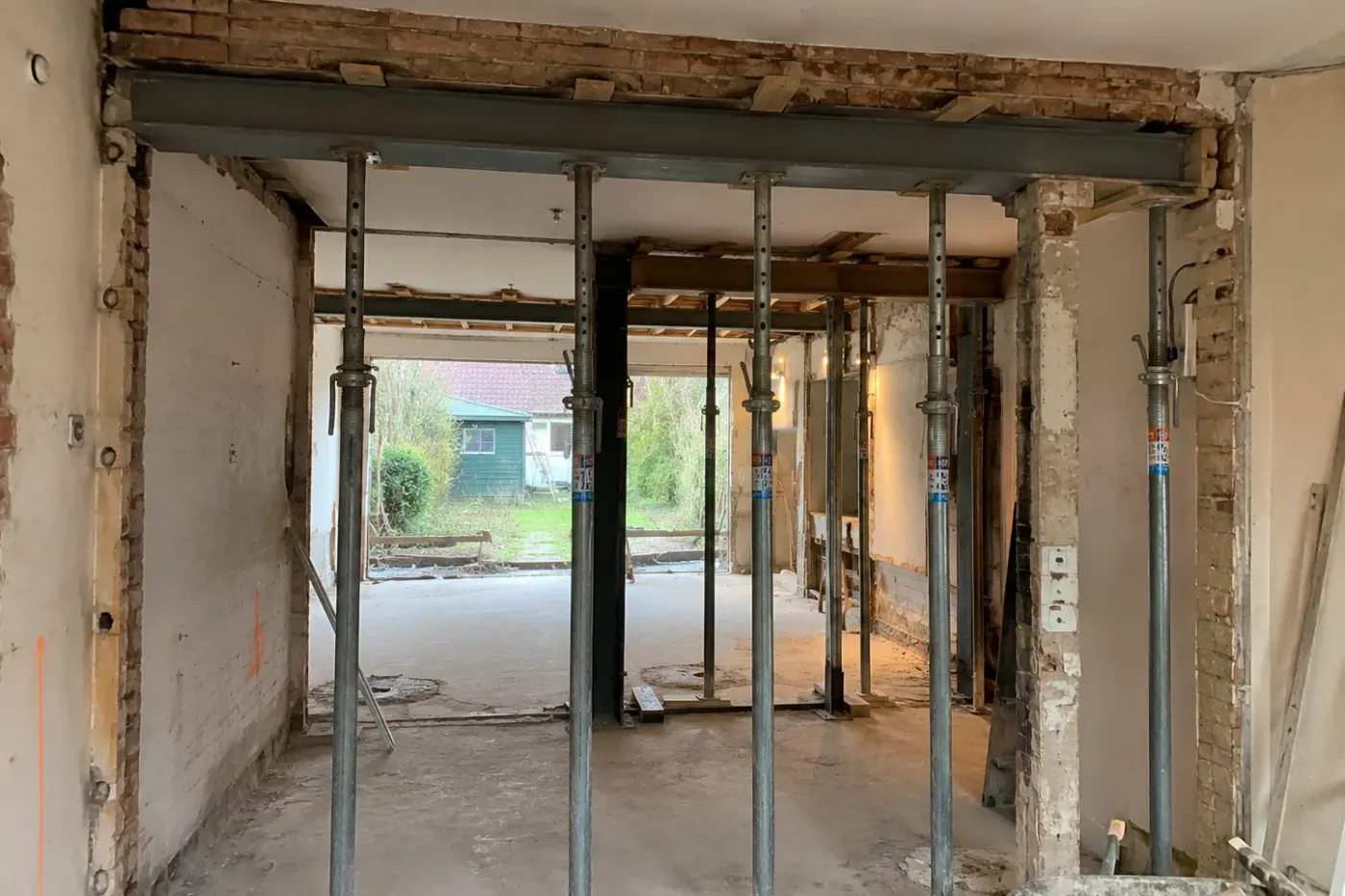
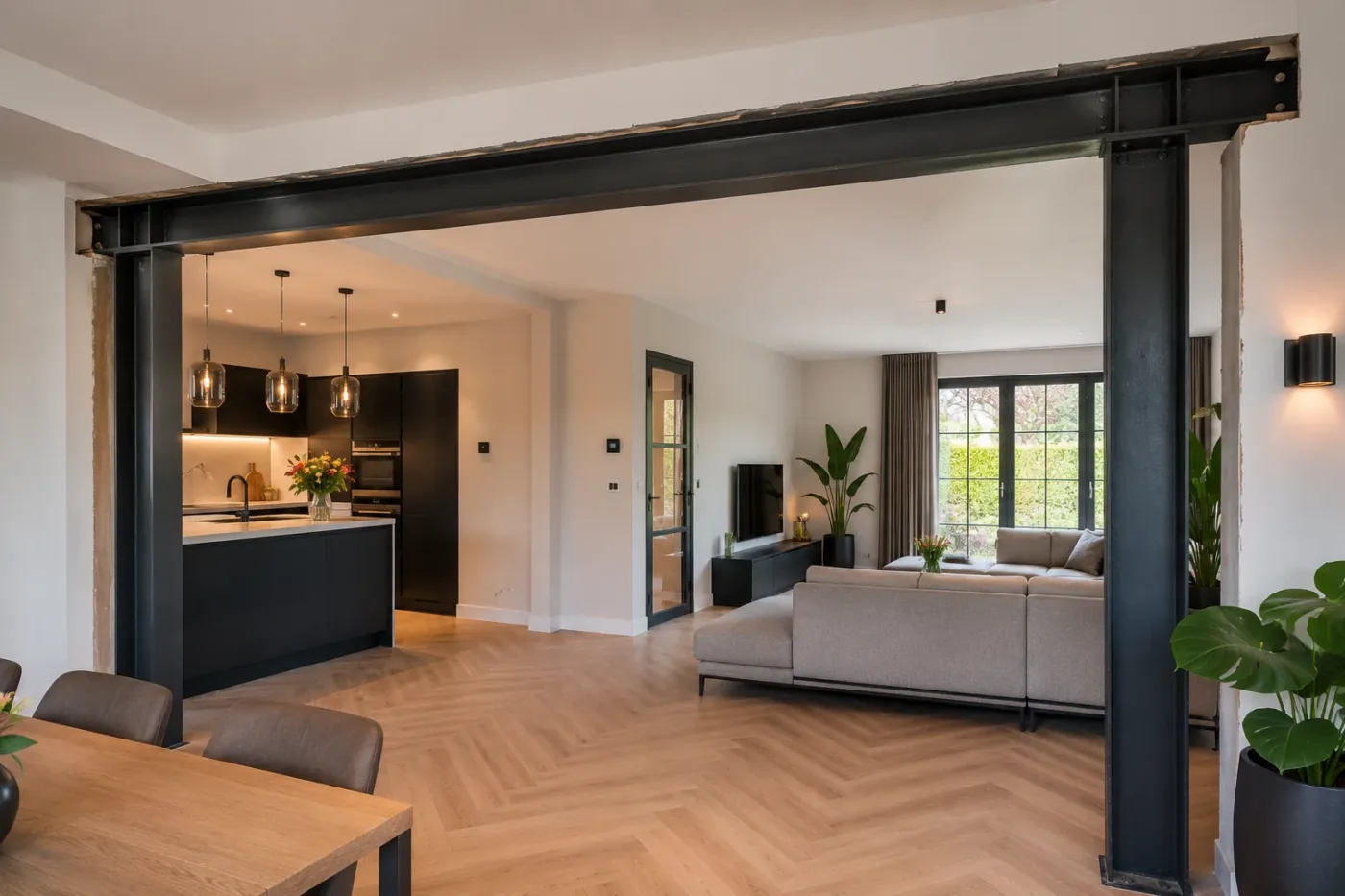
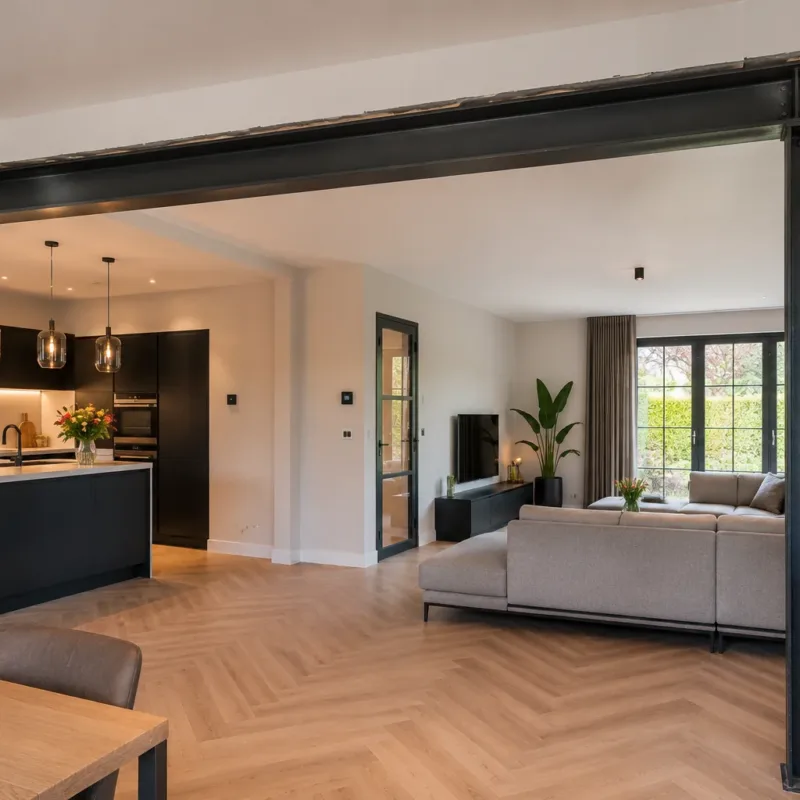
Bij constructieve aanpassingen, zoals het verwijderen van een draagmuur, begeleiden wij het volledige traject. Inclusief berekeningen en vergunningen, zodat u verzekerd bent van een veilige en professionele uitvoering.
Ons werk
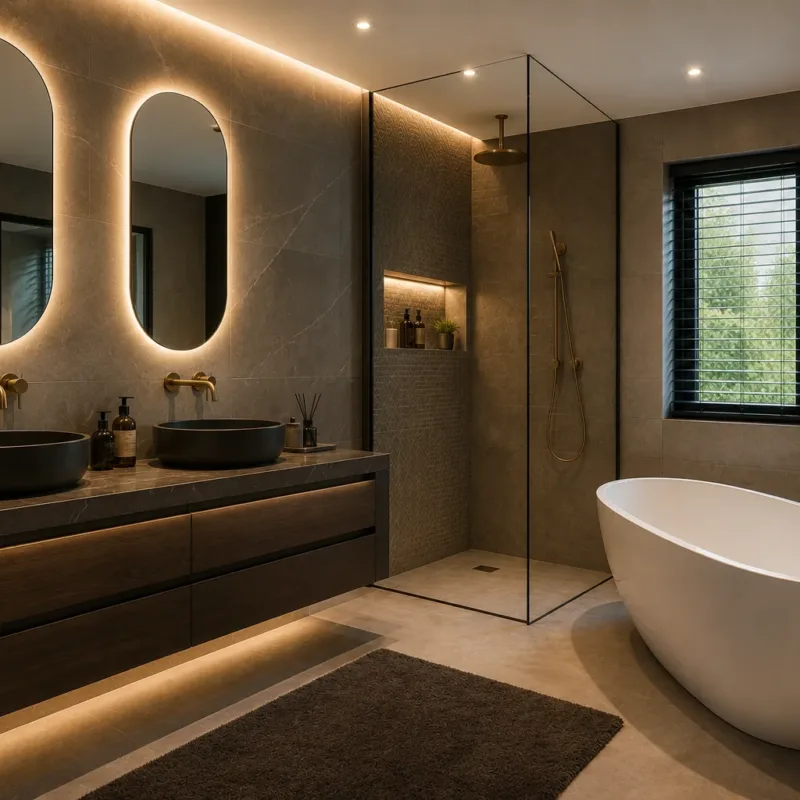
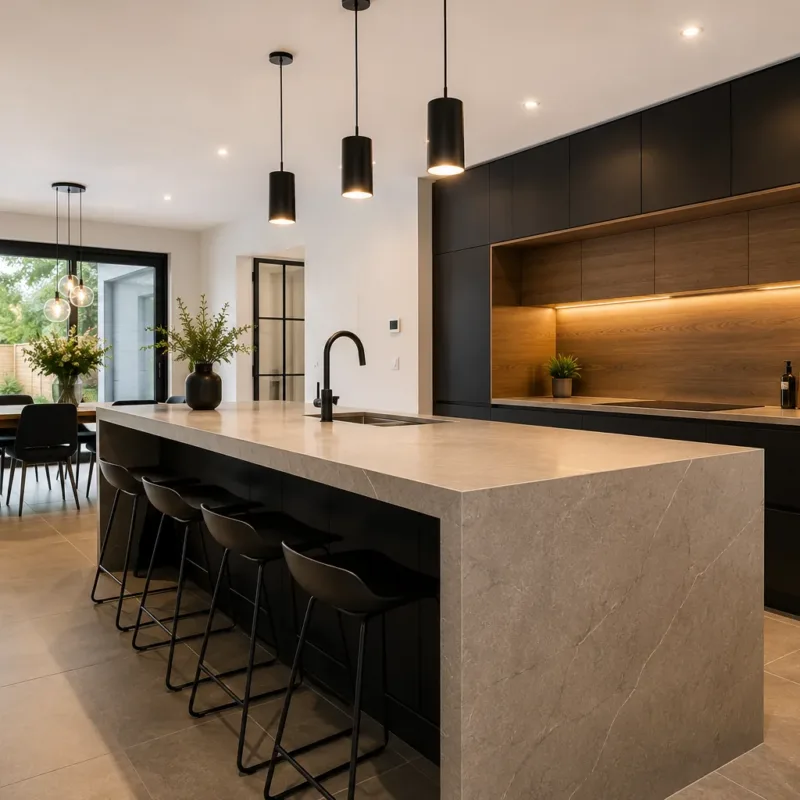
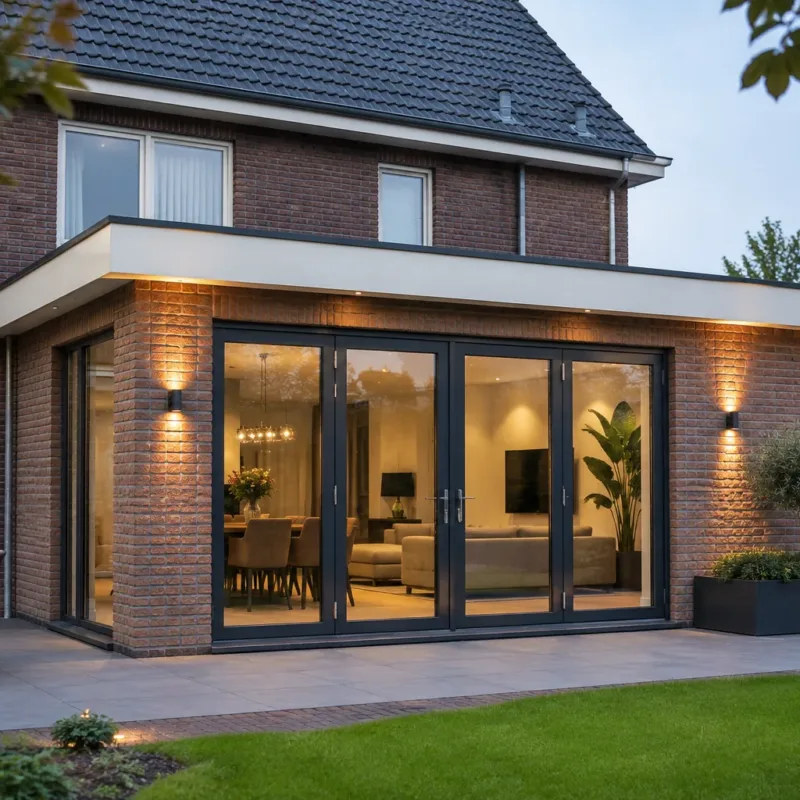
Wij realiseren uiteenlopende projecten voor particuliere woningen. Denk aan complete renovaties, badkamers, keukens en constructieve aanpassingen.
Ervaringen
Beoordelingen die klanten achterlieten op Werkspot.
Uitstekende service en vakmanschap. De renovatie van badkamer, toilet en airco is professioneel uitgevoerd en de PVC vloer is keurig gelegd. Duidelijke afspraken, goede planning en een perfect eindresultaat. Zeker een aanrader!
Geweldig bedrijf! De keukenverbouwing is keurig uitgevoerd. Ter plaatse de nodige oplossingen geboden waar nodig. Alles elke dag netjes opgeruimd. En hele aardige mensen. Een aanrader dit bedrijf.
Een prettige ervaring. Van offerte tot en met oplevering kwaliteit. We hebben de keuken laten verwijderen, sloopwerk, elektriciteit, stucwerk, draagmuur verwijderen, meterkast laten plaatsen, schilderwerk, raam vervangen en betegelen. Erg blij mee. En geen verrassingen. Afspraken worden nagekomen. Fijn in de omgang en communicatie. Ik heb de volgende klus alweer voor ze beschikbaar. Dank je MLS.
Mijn badkamer ziet er geweldig uit! De werklui werkten snel en lieten geen troep achter. Het contact verliep prima. Op iedere vraag die ik had, werd snel gereageerd en ook (kleine) issues die er waren, werden snel en goed opgepakt en verholpen. Ik zou MLS zeker aanraden!
Wilt u uw woning laten verbouwen of renoveren door een betrouwbare vakman? Neem vandaag nog contact op en ontvang snel een vrijblijvende offerte.